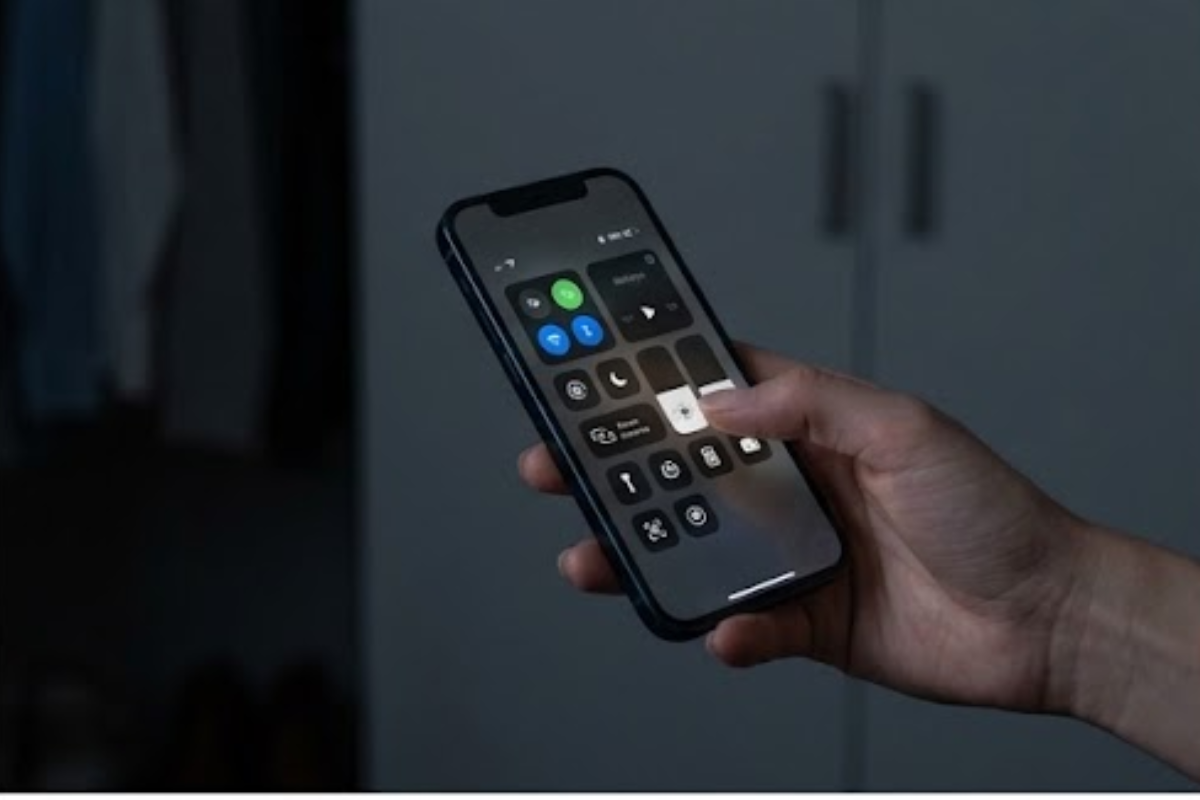
You can extend phone battery life by adjusting screen settings, limiting background activity, improving connectivity, controlling location access, and reducing heat. Faster battery drain does not always mean the phone needs replacing.
A few changes can reduce unnecessary power use and make an older phone feel much easier to live with.
1. Lower Screen Brightness
The display can consume a large amount of battery, especially when brightness stays near maximum for long periods.
Use automatic brightness if your phone handles it well, or lower the brightness manually when you are indoors. Apple’s battery-drain guidance recommends checking usage, brightness, background activity, and battery health. A shorter screen timeout also prevents the display from staying on when you have put the phone down.
If your phone has an always-on display, consider switching it off or limiting when it appears. The difference may seem small during one day, but repeated screen activity adds up.
2. Find Apps Draining the Battery
Both iPhone and Android phones provide battery-usage screens that show which apps have consumed the most power.
Check this section every so often. If an app you rarely use appears near the top, look at its background activity or notification permissions. You may also find that a social media, video, navigation, or shopping app has been running more frequently than expected.
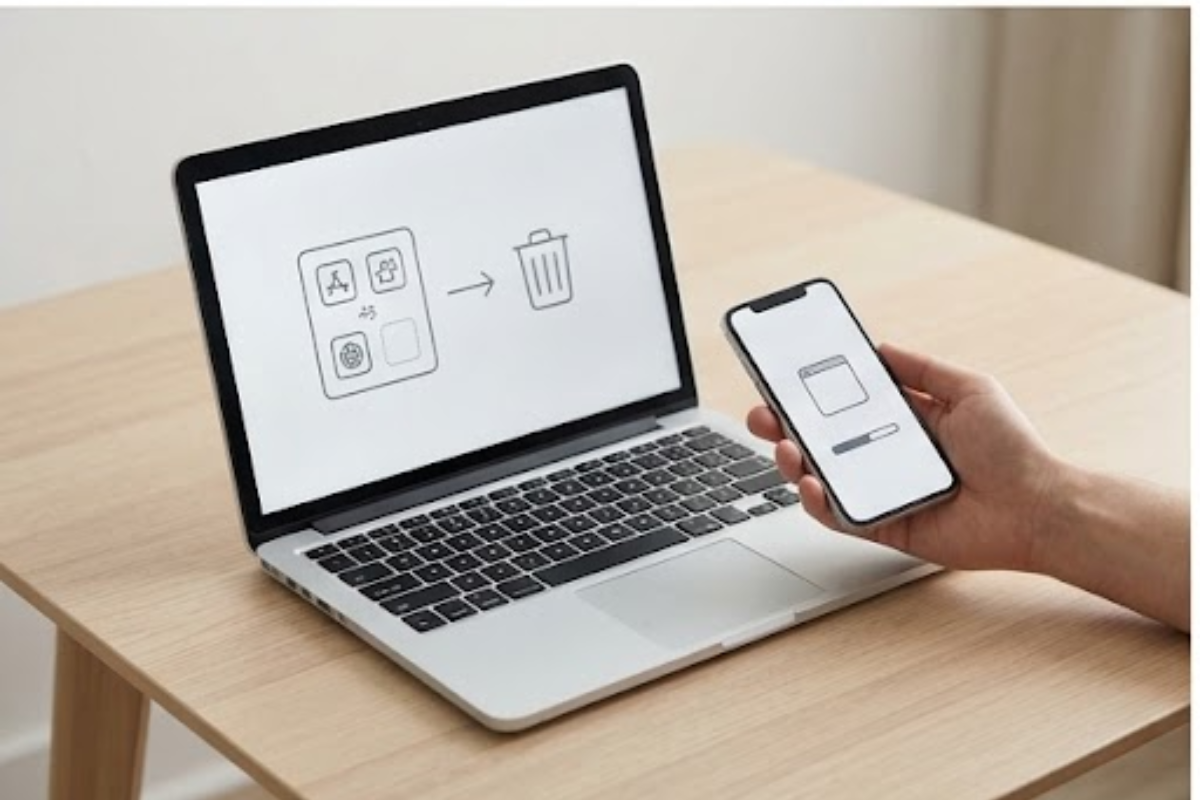
Deleting apps you no longer use can also remove background processes and notifications you do not need while helping you free up phone storage.
3. Limit Unnecessary Background Activity
Many apps continue checking for updates even when you are not actively using them. Email, social media, cloud storage and other services can periodically wake the phone.
You do not need to shut everything down. Instead, restrict background activity for apps that do not need constant updates.
On Android, battery settings often include options for background usage or battery optimization. On iPhone, Background App Refresh can be adjusted for individual apps.
4. Use Reliable Wi-Fi When Available
Mobile data can use more battery than Wi-Fi, particularly when the cellular signal is weak. Your phone may work harder to maintain a connection when you are in a basement, elevator, rural area or building with poor reception.
Connect to trusted Wi-Fi networks when practical, and troubleshoot why Wi-Fi slows down if poor coverage makes the phone work harder. If you know you will be somewhere without a useful signal for an extended period, Airplane Mode can prevent the phone from repeatedly searching for a network.
5. Reduce Unnecessary Notifications
Every notification can wake the screen, activate sounds or vibrations, and trigger background activity.
Go through your notification settings and remove alerts from apps that do not need your immediate attention. You can usually keep notifications for calls, messages, calendars and other things you actually care about while silencing less important apps.
Fewer interruptions can also mean fewer times you pick up and unlock your phone.
6. Limit Location Access
GPS and other location features can consume power when apps repeatedly request your location.
Check which apps have location access and change permissions where appropriate. An app that only needs your location occasionally may not need continuous access.
Navigation apps naturally use more battery because they combine location tracking, screen activity and mobile data. Lowering screen brightness during long trips can help offset some of that drain.
7. Protect the Phone From Excessive Heat
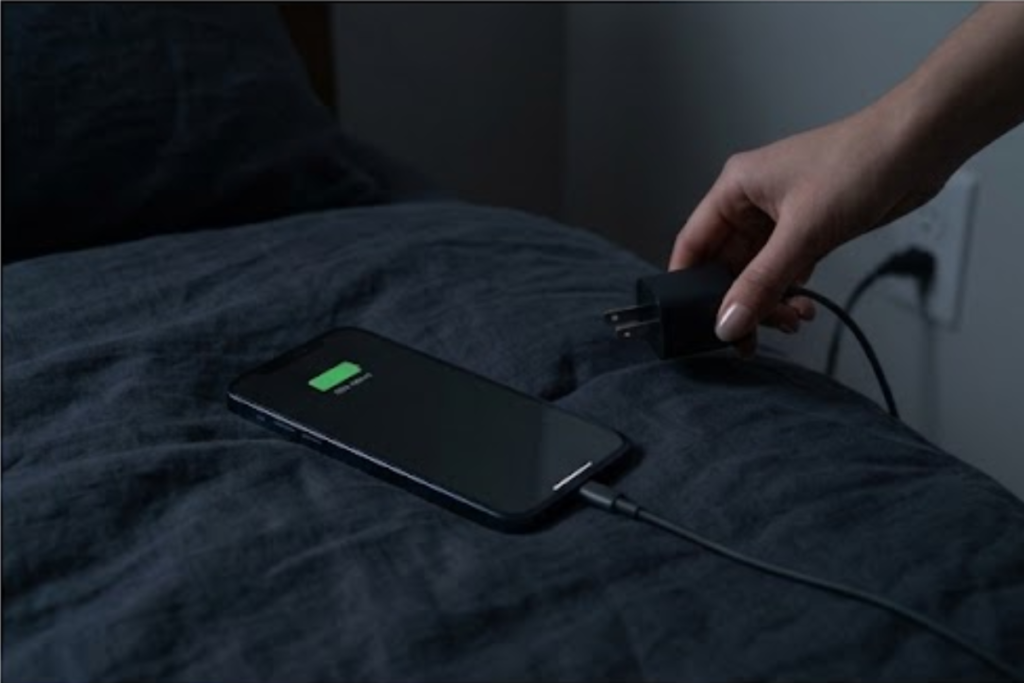
Heat can be rough on lithium-ion batteries. Avoid leaving your phone in direct sunlight, inside a hot car, or under a pillow while it charges.
If the phone becomes noticeably hot during charging, gaming, video recording or other demanding tasks, give it a chance to cool down. Removing a thick case during unusually hot charging sessions may also help if the case traps heat.
8. Use Power-Saving Modes
Battery Saver on Android and Low Power Mode on iPhone reduce certain background activities and performance demands. Google’s Android battery guidance also recommends adaptive brightness, restricting high-use apps, and Adaptive Battery.
You do not have to wait until the battery reaches 5%. Turning these modes on when you know you have a long day ahead can stretch the remaining charge without changing phones.
Some phones also allow automatic activation at a selected battery percentage.
9. Improve Charging Habits
Modern phones generally manage charging better than older devices, but heat and prolonged periods at very high charge levels can still put extra stress on a battery over time.
Use a reliable charger and cable, and avoid charging the phone in very hot conditions. If your phone includes optimized or adaptive charging, turning that feature on can reduce the amount of time the battery spends sitting at a full charge.
You do not need to obsess over keeping the battery between specific percentages every day. Simple, consistent charging habits matter more than constantly checking the battery level.
10. Update the Phone and Apps
Software updates can fix bugs that cause unusual battery drain. If your phone suddenly starts losing power much faster than normal, check whether an app or recent update has caused the change.
Restarting the phone can also clear temporary processes that may be consuming resources in the background. For a computer facing similar problems, review these slow laptop fixes.
A few small adjustments can extend phone battery life when an older device starts struggling to get through the day. Before spending money on a replacement, check what is actually using the battery. A brighter screen, unnecessary background activity, poor signal, excessive notifications or heat may be responsible for more drain than you realize.

One thought on “How to Make Your Phone Battery Last Longer Without Changing Phones”