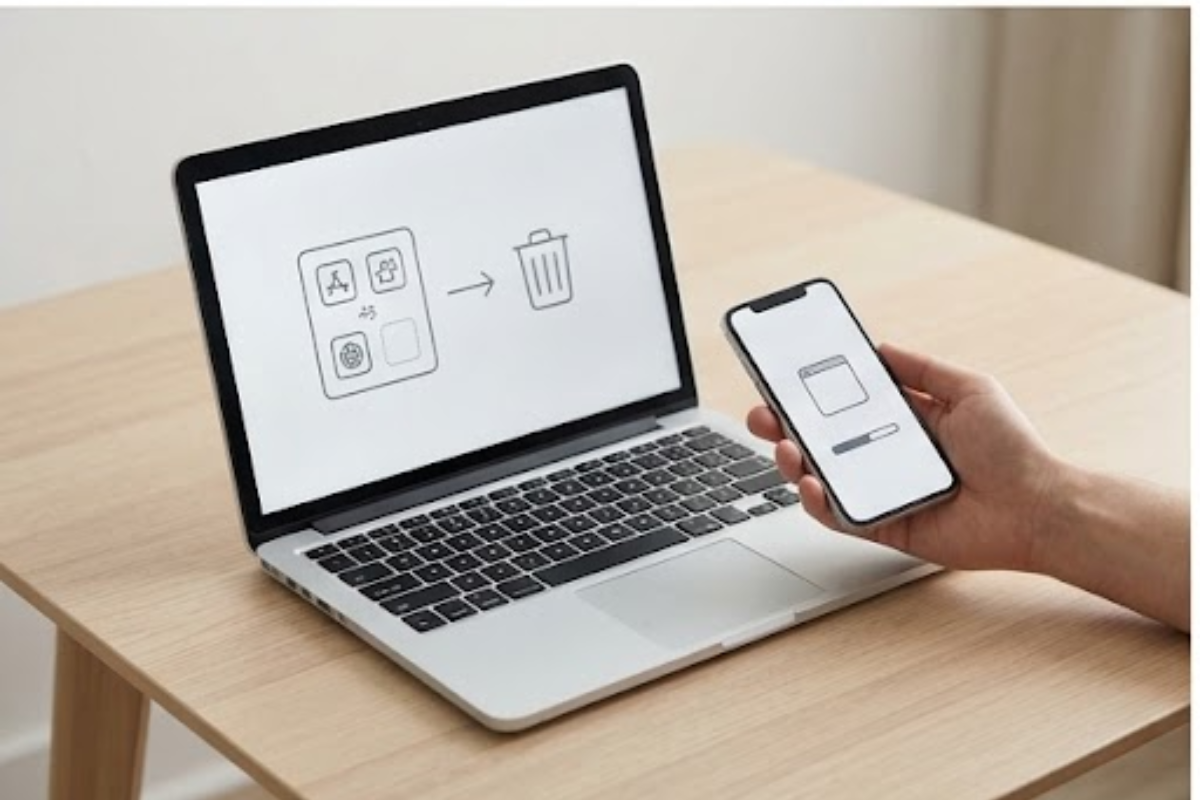
How to Free Up Storage on Your Phone Without Deleting Important Files
Free up phone storage safely by removing unused apps, caches, downloads, duplicate media, and large attachments without losing important files.
Free up phone storage safely by removing unused apps, caches, downloads, duplicate media, and large attachments without losing important files.
Learn why Wi-Fi slows down at certain times and how congestion, interference, background downloads, router limits, and weak coverage affect speed.
Try these slow laptop fixes for storage, startup apps, browser tabs, updates, heat, memory, and aging drives before replacing your computer.
Extend phone battery life by adjusting brightness, background apps, Wi-Fi, notifications, location access, heat, charging, and power-saving modes.